API Import
Import OpenAPI/Swagger specifications and Postman collections into your workspace
The API Workspace enables you to import API specifications to manage, test, and configure them within FlowGenX. Whether you have an OpenAPI spec, a Postman collection, or want to define an API manually, the API Import feature brings your external services into the platform.
Centralized API Management
Import, configure, and test your APIs in one unified workspace
Supported Formats
FlowGenX supports importing from multiple specification formats:
OpenAPI 3.0+
JSON or YAML format
Swagger 2.0
Legacy API specs
Postman
Collection v2.1 exports
Import Workflow
Importing an API involves creating a resource, defining the specification, and configuring the environment:
Import Process
Create API → Import Spec → Configure & Test
Step-by-Step Guide
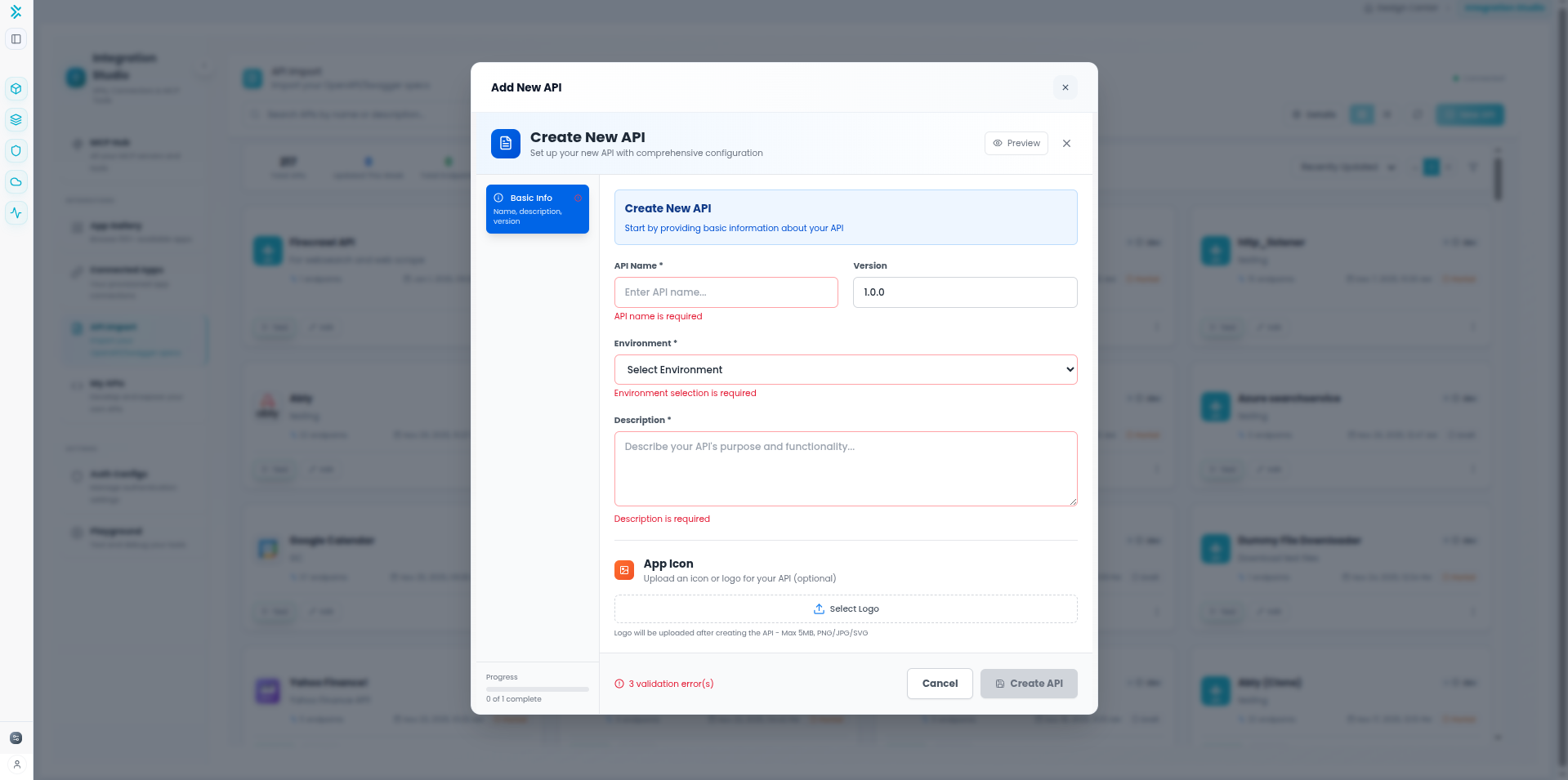
Step 1: Create New API Resource
1
Navigate to API Import
Go to Integration Studio → API Import.
Click the "New API" button.
Enter a descriptive name for your API (e.g., "Stripe API", "Internal CRM") and click Create.
Step 2: Import Specification
2
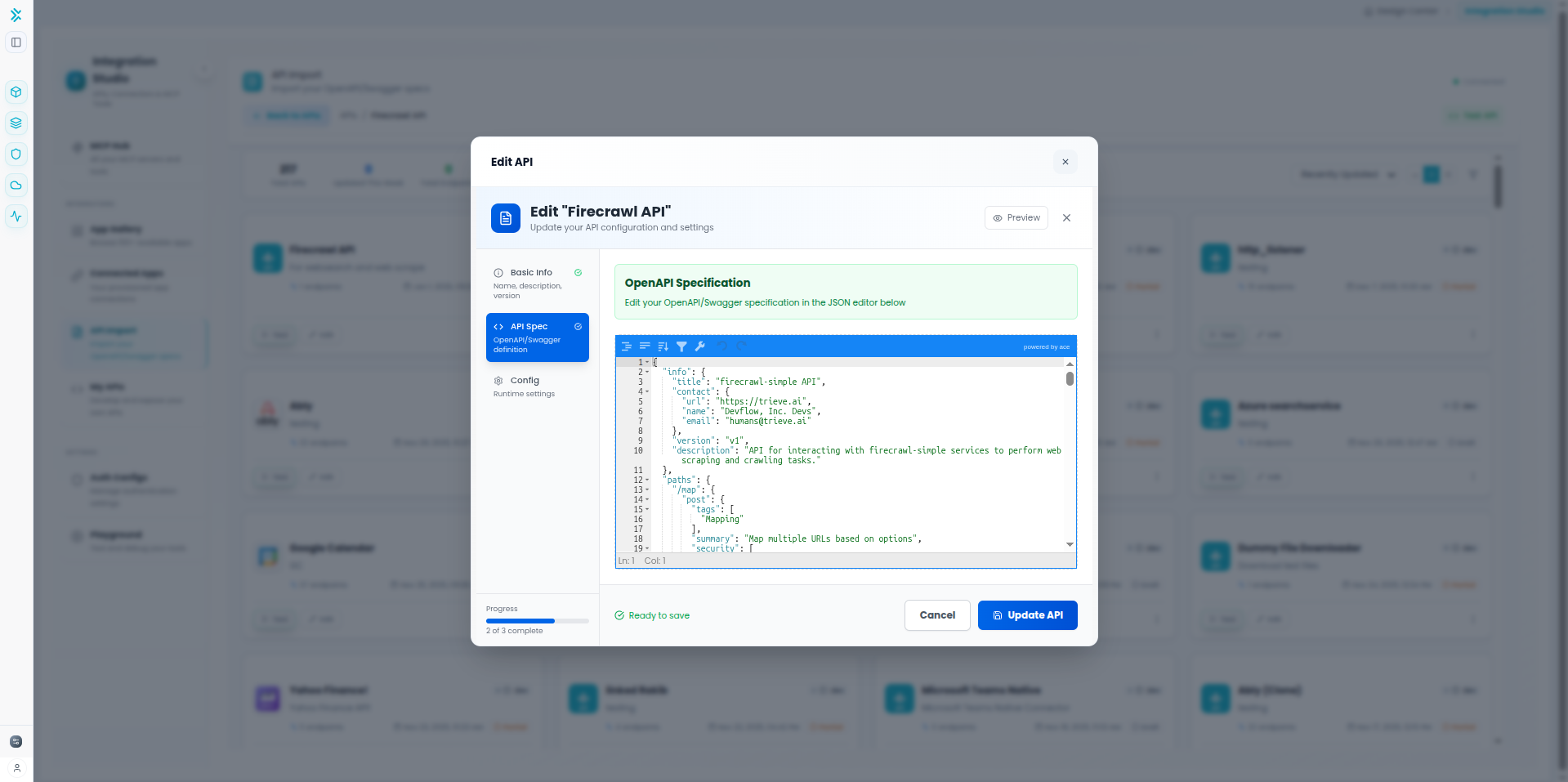
Open Editor and Paste Spec
Click on your newly created API card to open the details view, then click Edit.
Importing Options:
- JSON/YAML: Paste your OpenAPI or Swagger definition directly into the editor.
- Validation: The editor will automatically validate the syntax of your specification.
Step 3: Parse and Update
3
Update API Definition
Click Update API to save your changes. The system will:
- Parse the specification structure
- Identify all available endpoints (GET, POST, etc.)
- Extract parameter definitions and schemas
- Prepare the API for testing and configuration
✓ Endpoints Detected
Your API endpoints are now cataloged and ready to be configured or tested within the workspace.
Step 4: Configure Authentication
4
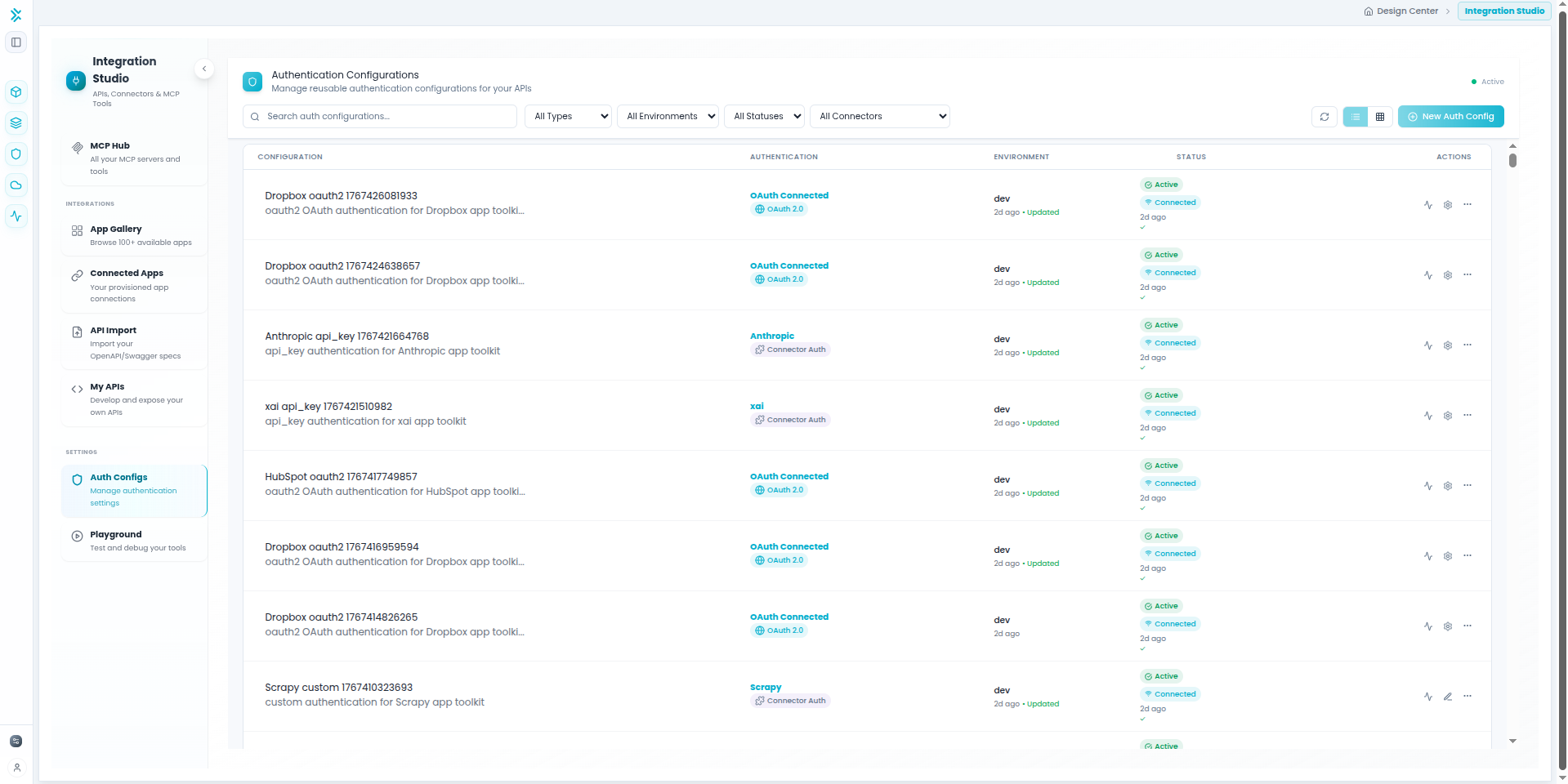
Set Up Credentials
Most APIs require authentication. Configure this in the Auth Configs section.
Headers (e.g., x-api-key) or query params
Authorization: Bearer <token>
Client Credentials, Authorization Code flows
Step 5: Test API Endpoints
5
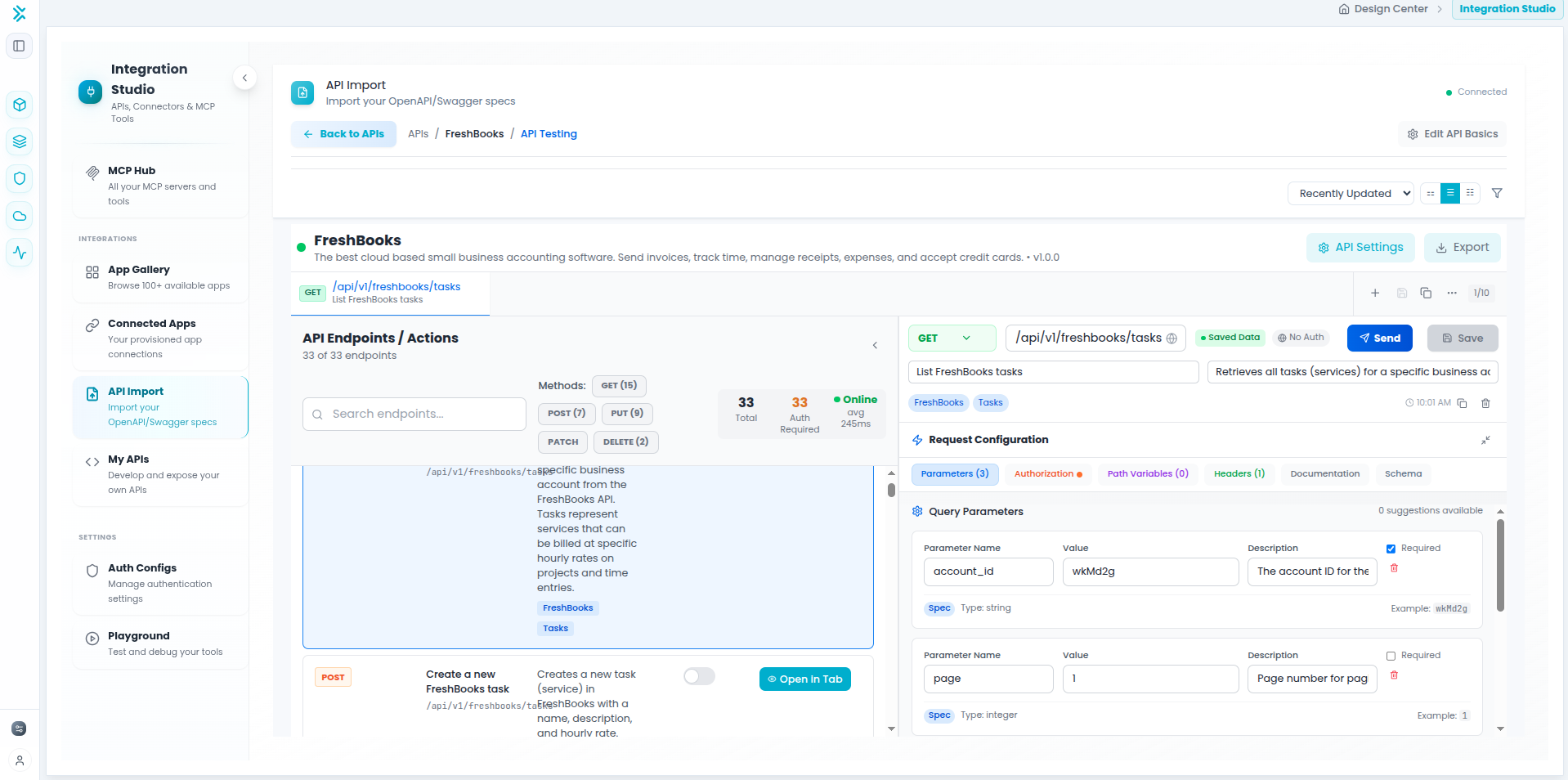
Test in API Workspace
Verify your API configuration using the API Workspace's built-in testing interface (similar to Postman).
Testing Features:
- Select an endpoint from the list
- Enter test parameters and body data
- Send the request and view the live response
- Inspect headers, status codes, and response times
Best Practices
Import Tips
- Validate Specs: Ensure your OpenAPI/Swagger specs are valid before importing to avoid parsing errors.
- Secure Credentials: Never paste hardcoded API keys in the spec itself. Use the Auth Configs feature.
- Keep Updated: If your API changes, you can re-import the spec to update the definitions in FlowGenX.
- Environment Variables: Use variables for base URLs to easily switch between Staging and Production environments.