Basic Trigger
Simple trigger node for initiating workflows with minimal configuration
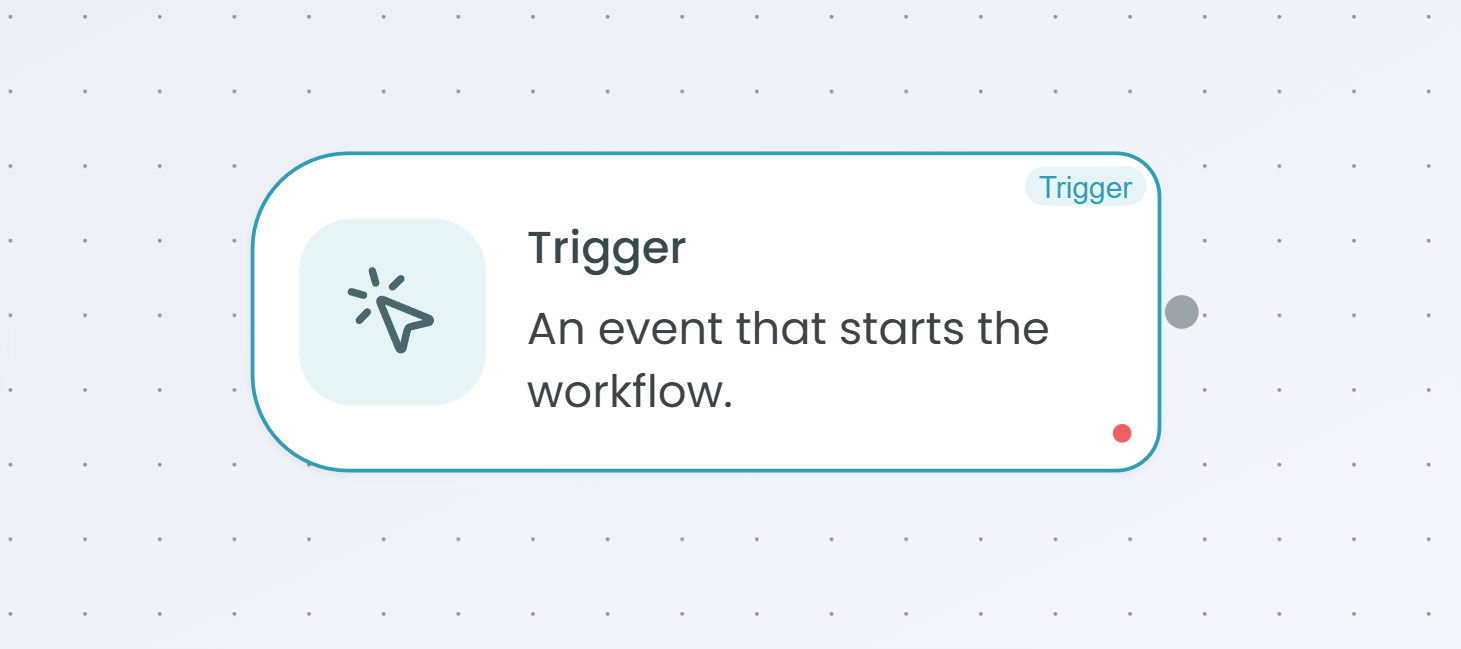
The Basic Trigger node provides a straightforward way to start workflows with minimal configuration requirements. This node serves as the entry point for workflows that require a simple trigger mechanism without complex scheduling, event monitoring, or manual execution controls.
Why Use Basic Trigger?
The Basic Trigger is ideal when you need to:
- Start workflows programmatically - Trigger workflows through API calls or external systems
- Create simple workflow entry points - Begin workflow execution without complex configuration
- Build reusable workflows - Design workflows that can be invoked by other workflows or systems
- Integrate with external services - Allow third-party applications to initiate workflow execution
How It Works
The Basic Trigger acts as a workflow entry point that can be activated through:
- API endpoints - External systems can call the workflow via REST API
- Workflow orchestration - Other workflows can trigger this workflow as part of a larger process
- System integrations - Backend services and applications can initiate workflow execution
- Programmatic invocation - Code-based triggering for custom integration scenarios
When to Use Basic Trigger
Use the Basic Trigger when:
- You need a simple, always-available workflow entry point
- Your workflow will be triggered by external API calls
- You want to invoke workflows from other systems or services
- You don't need time-based scheduling (use Scheduler Trigger instead)
- You don't need manual execution controls (use Manual Trigger instead)
- You don't need application event monitoring (use App Event Trigger instead)
Configuration
The Basic Trigger requires minimal configuration. Once added to your workflow, it automatically creates an endpoint that can be used to start the workflow. The trigger is enabled by default when the workflow is deployed.
Using the Basic Trigger
After adding the Basic Trigger to your workflow:
- The trigger node appears at the start of your workflow canvas
- Configure your workflow by adding processing nodes after the trigger
- Deploy your workflow to activate the trigger endpoint
- Use the generated endpoint to invoke the workflow from external systems
Best Practices
- Secure your endpoints - Ensure proper authentication is configured for API access
- Handle input data - Design your workflow to process data passed through the trigger
- Monitor executions - Track workflow runs through the Flow Management interface
- Document your endpoints - Maintain clear documentation of how to invoke your workflows
For more information on monitoring workflow executions, see the Traceability documentation.